Shed: Scheduled Activity Details
We've made a significant update to the scheduling capabilities in Shed to improve visibility of your Agworld activities.
Up until now, you've been able to see the total quantity of product scheduled to be used as well as the forecast remaining quantity. This is currently available from the Home page and Storage Dashboards. However, you've not been able to drill in to see which activities have been synced from Agworld to your schedule.
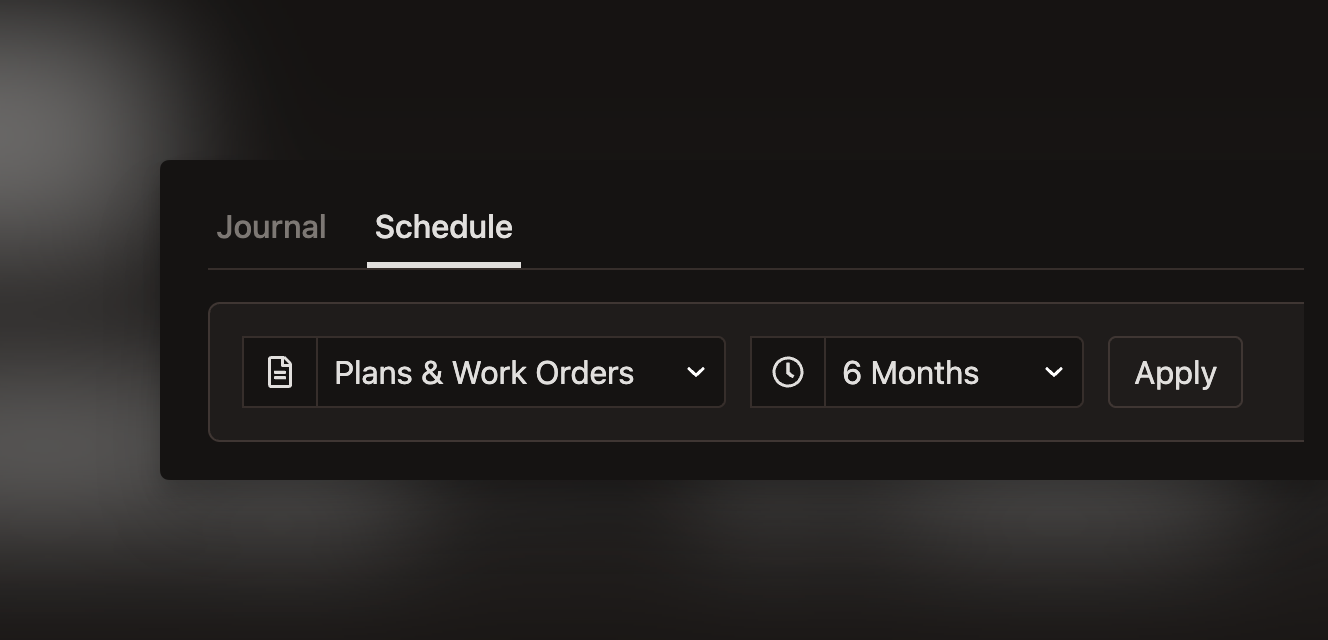
With this release, we've added a dedicated Schedule page for each product being tracked in a storage. To access this page, simply click on any product from the Dashboard, then click on the "Schedule" tab at the top of the page.
From here, you can see a quick summary of the current product available, the total quantity scheduled to be used and the forecast remaining quantity.
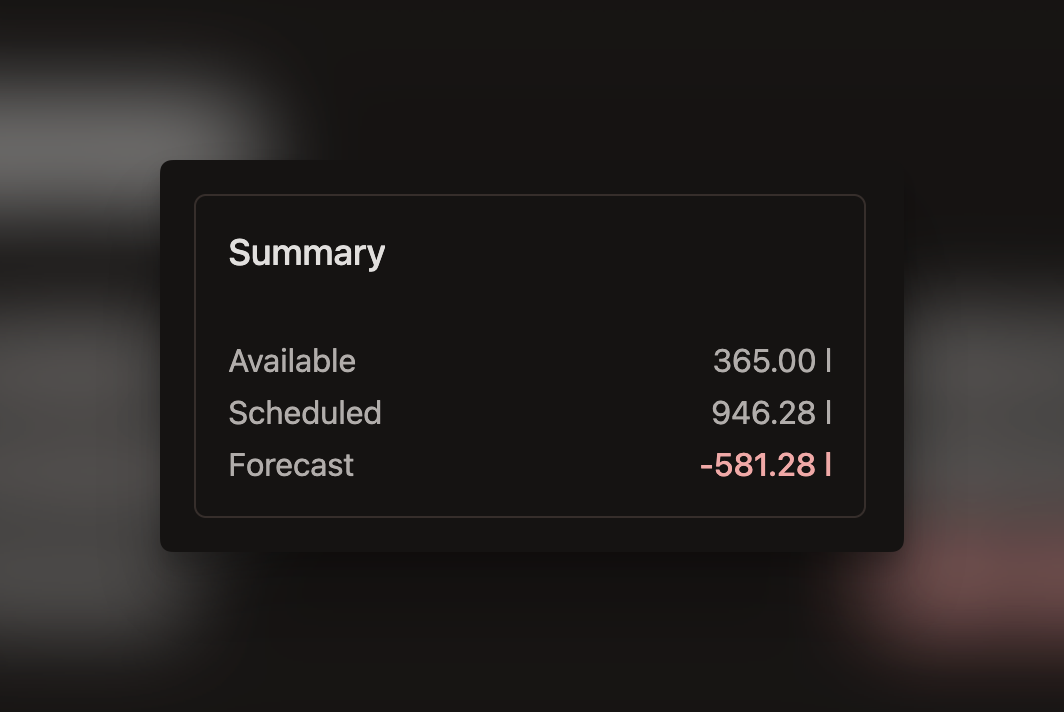
We've also added a breakdown of the current valuation of stock on hand and the date and unit cost of your last purchase. This will help you make informed decisions when purchasing more product.
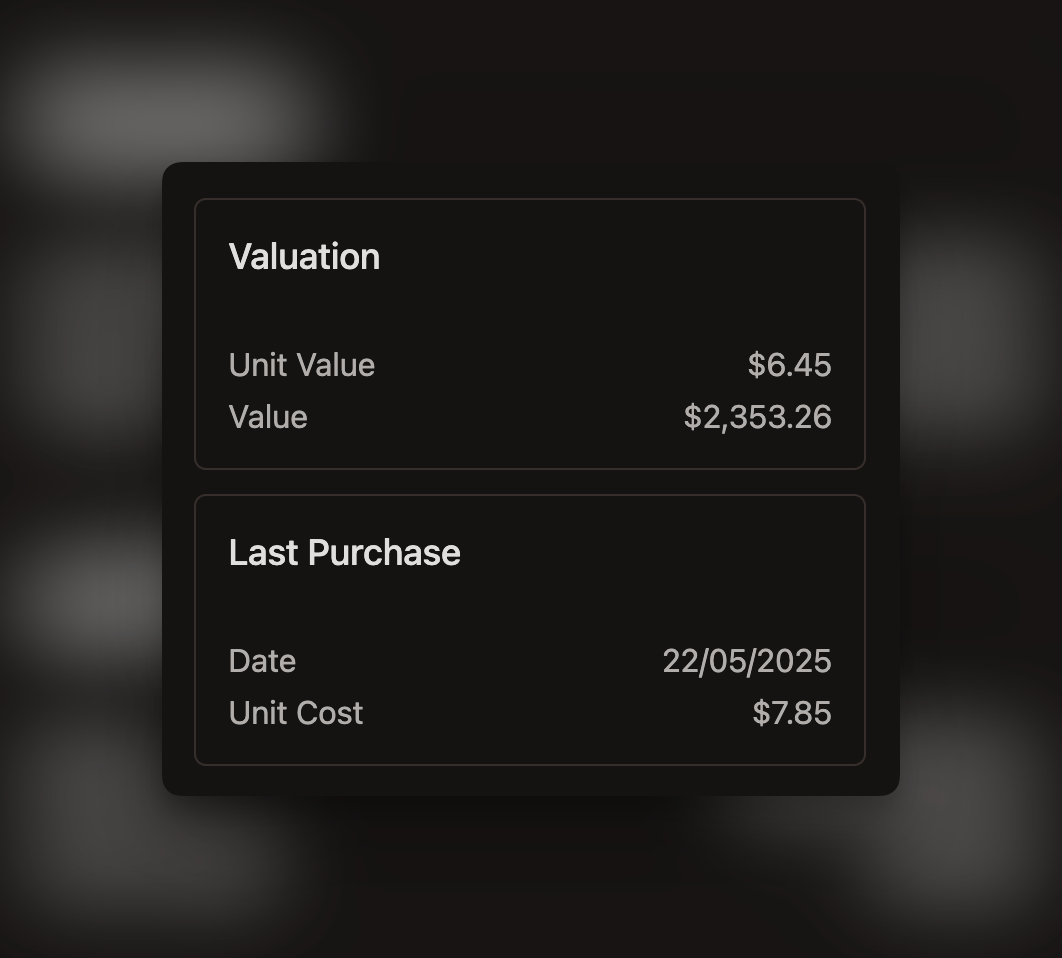
Finally, you can see a date ordered list of Agworld activities, including grower, farm, field, scheduled quantity and Agworld activity id.
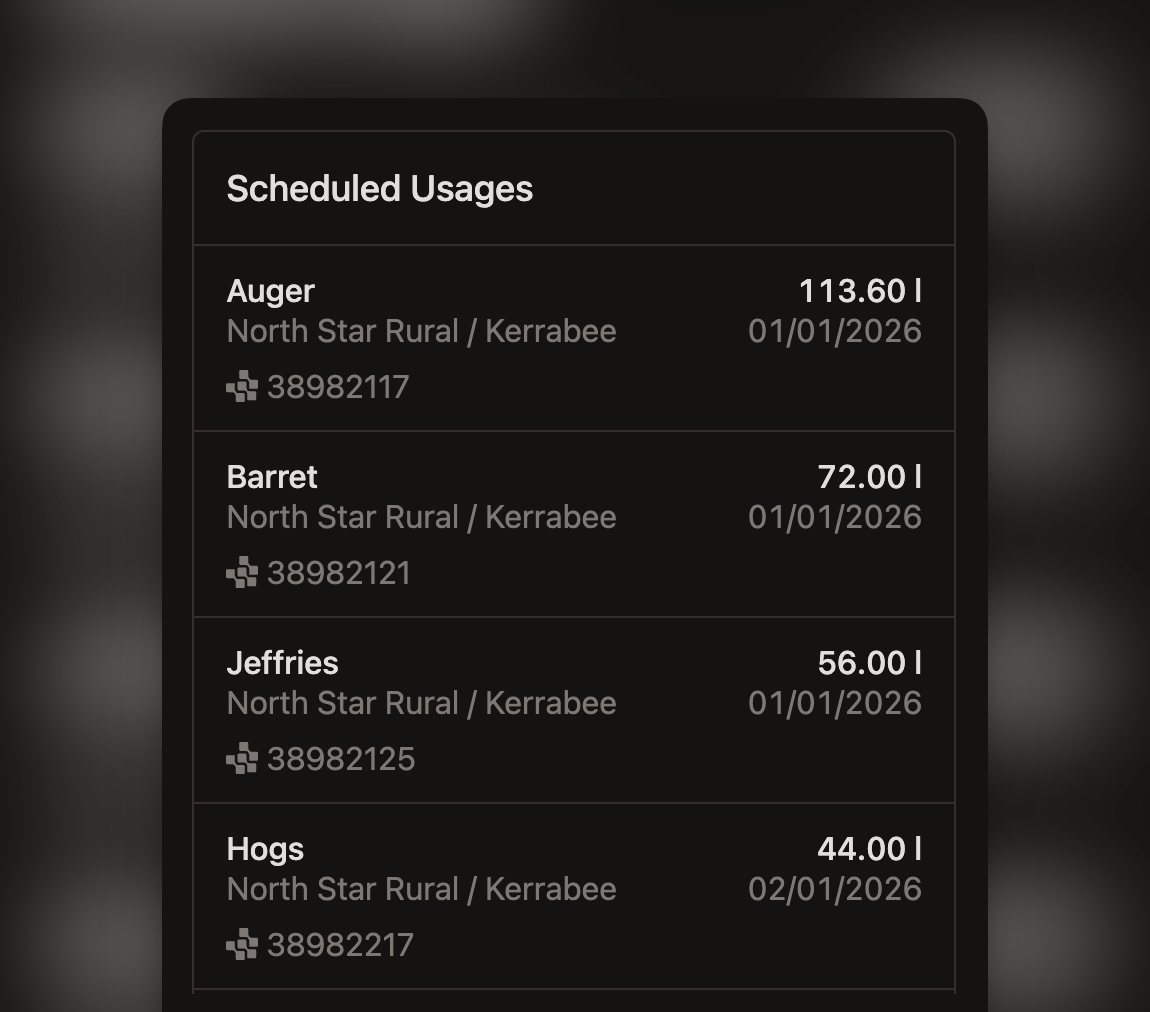
This page can be filtered to include only plans, or plans and Work Orders. You can also filter by preset time windows.
This feature is currently available to all Shed subscribers with an account connected to Agworld.
Written by Matt Collins - Published 4 months ago